First download the Internet Explorer 3.01. dlful30f.exe
4,732 Kb
Copy this file into a temporary directory and
open (dopple click ) it.
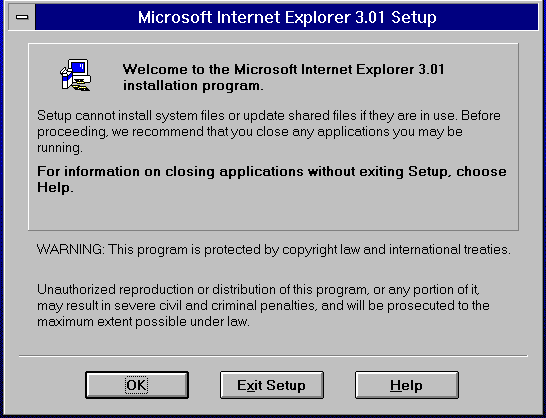
close all other windows applications , go to
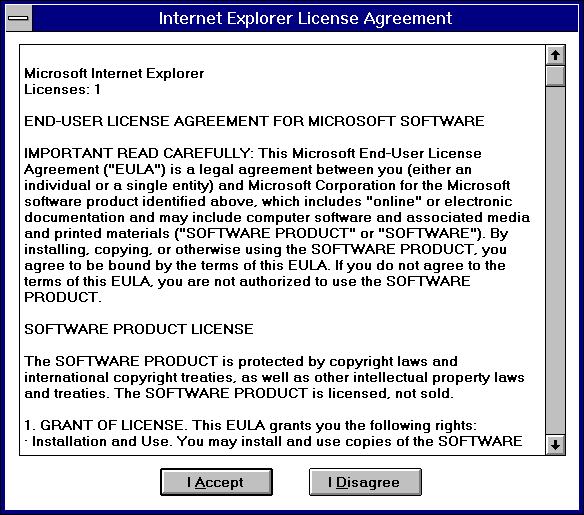
the temp dir. and execute "Setup.exe", the following
window will appear, click on "I Accept" and continua.
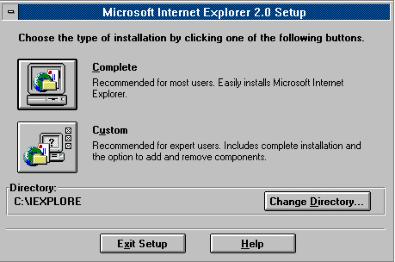
we suggest that you select "COMPLETE"
Follow those intruvtions, etc.
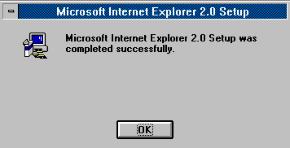
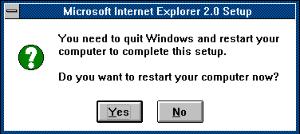
Once installed the following message comes up:
After that the next window comes up, we suggest
you select No and continua's with the configuration .

 ICA Net
Installations Instructions
ICA Net
Installations Instructions